Satellite preprocessing
Work with prepared monthly layers instead of managing scene discovery, cloud and shadow filtering, mosaicking and visual harmonization.


NIMBO turns Earth observation and elevation datasets into consistent, ready-to-use map layers.
Instead of selecting satellite scenes, masking clouds, building mosaics, correcting visual differences and hosting tiles yourself, you can connect to NIMBO and work with the same territory across months, countries and applications.
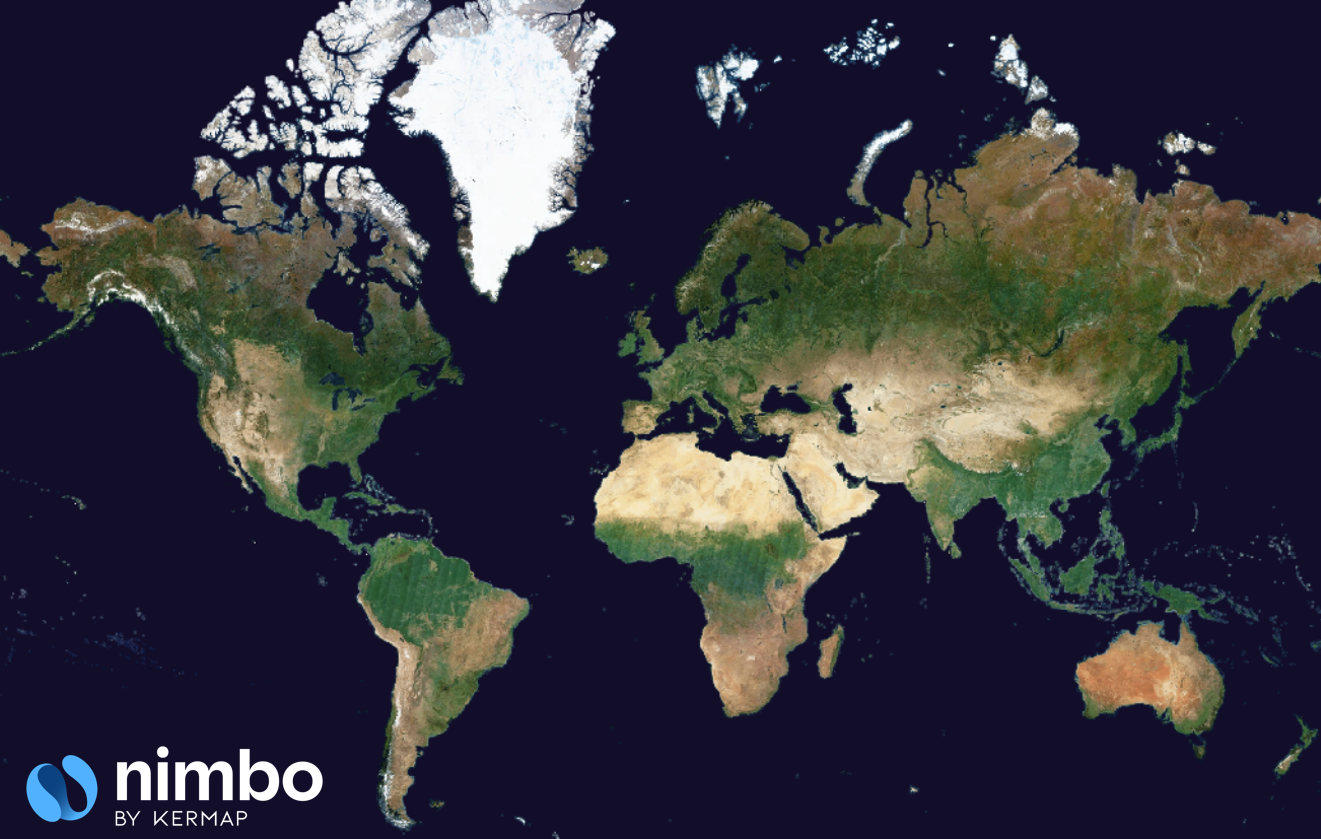
A consistent global basemap designed for repeated monthly use, rather than a collection of separate satellite scenes.
Satellite preprocessing
Work with prepared monthly layers instead of managing scene discovery, cloud and shadow filtering, mosaicking and visual harmonization.
Inconsistent basemap dates
Revisit the same area month after month with a predictable time series and, where available, pixel-level traceability metadata.
Territory-by-territory production
Use a homogeneous service across cities, regions, countries or continents without rebuilding a separate processing chain for every area.
Data hosting and map delivery
Stream NIMBO directly into Earth Online, GIS software or web applications through standard map services.
| Product family | Resolution and refresh | Main content | Best suited to | Keep in mind |
|---|---|---|---|---|
| NIMBO Basemaps | 10 m · Monthly · Global coverage | RGB, NIR, colorized NDVI and Traceability metadata, depending on access | Environmental monitoring, agriculture, land-use review, change screening and large-area basemaps | 10 m imagery is not intended for identifying or measuring small individual objects |
| NIMBO HD | 2.5 m · Monthly · Coverage to verify by area | AI-enhanced RGB derived from the corresponding NIMBO 10 m monthly mosaic | Urban areas, infrastructure, construction, detailed mapping and visual interpretation | It is AI-enhanced imagery, not a native 2.5 m satellite acquisition; verify coverage for your area of interest |
| NIMBO Terrain family | Source grids and served pixels vary · Static products with possible revisions | Distinct Terrain-RGB, Terrarium elevation and pre-rendered hillshade products | 3D visualization, terrain rendering and topographic context | Terrain layers describe elevation and relief; they are not part of the monthly optical time series |
Available layers, dates, metadata and usage rights depend on the selected plan or Enterprise agreement. See Pricing and access rights for the current plan comparison.
NIMBO Basemaps are designed for workflows where territory scale and temporal consistency matter more than very fine object detail.
The monthly synthesis interpolates the available and usable Sentinel-2 acquisitions, taking cloud coverage into account, to represent conditions as close as possible to the 15th of the represented month. The 15th is a synthesis target, not the acquisition date of every pixel.
The map NDVI is a colorized render calculated from the monthly synthesis. Numerical NDVI values are not directly accessible from that render. Calculating NDVI from the synthesis is distinct from averaging per-acquisition NDVI values. The 8-bit colors do not define a 0–255 to NDVI conversion.
Typical uses include:
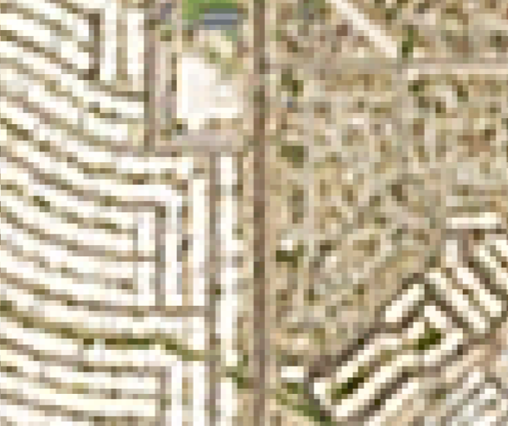
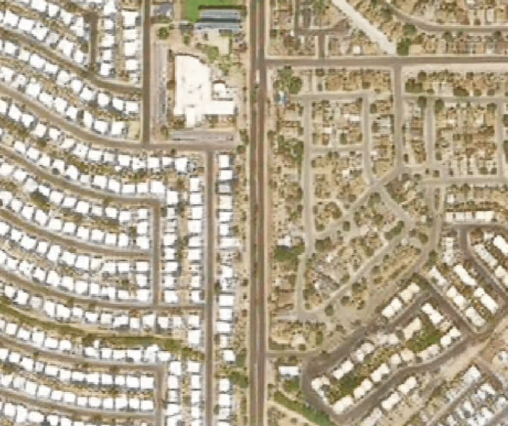
NIMBO HD production is worldwide. Some areas with excessive cloud cover may be awaiting production. Worldwide production does not guarantee every area in every edition; confirm the requested area and month.
The 2.5 m grid is produced by super-resolution from the 10 m mosaic, not a native 2.5 m acquisition. Model details and measured radiometric performance have not been supplied. Reconstructed small objects require independent validation before analytical use.
Use it when the 10 m time series is operationally relevant but too coarse for comfortable interpretation of urban form, transport corridors, construction patterns, field structure or other fine landscape features.
The NIMBO Terrain family complements optical basemaps with elevation and rendered relief. Terrain-RGB, Terrarium and Hillshade are separate products: their documented sources, encodings and service behavior must be checked individually.
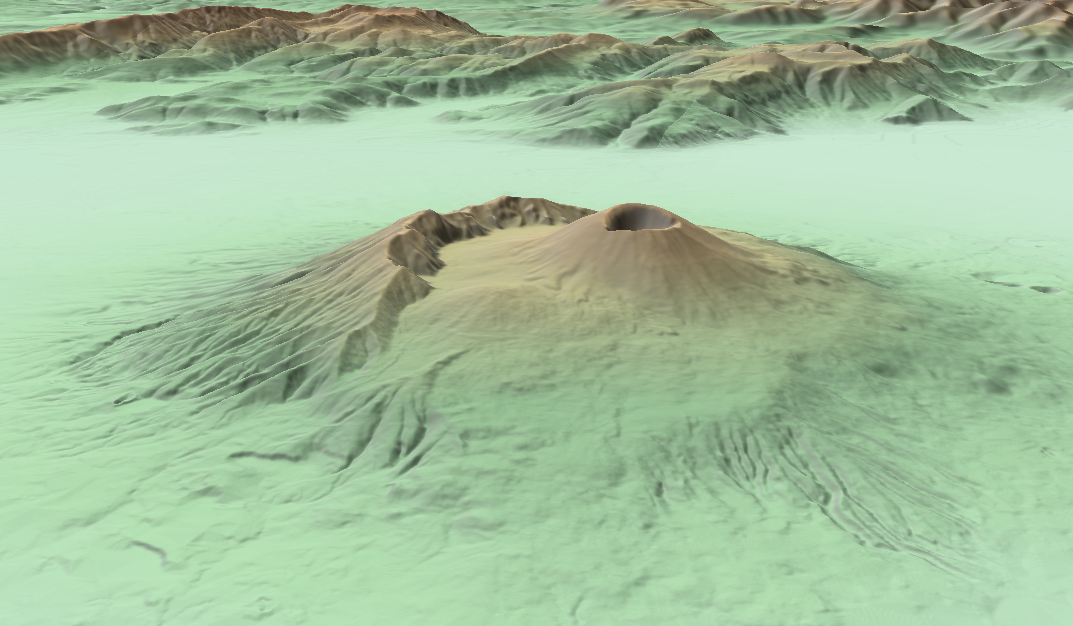
Choose among three distinct terrain products:
Native source resolution, served pixel spacing, encoding step and vertical accuracy are different properties. Vertical accuracy depends on the source. Vertical references, resampling and source-specific accuracy measurements have not been confirmed. Hydrological and other demanding analytical uses require corresponding validation.
Terrain-RGB and its derived relief products concern continental surfaces. Exact footprint boundaries and NoData areas have not been confirmed; a continental extent is not proof of a populated tile at every location.
Terrarium covers land and sea. Exact footprint boundaries and NoData areas have not been confirmed.
Compare the recorded service characteristics in the Terrain-RGB, Terrarium and Hillshade catalogue sheets. Their source grids are separate from zoom-dependent pixel spacing; they are not interchangeable encodings of one proven dataset.
| Your workflow | Recommended NIMBO data | Why |
|---|---|---|
| Monitor a region, country or global portfolio every month | NIMBO Basemaps 10 m | Consistent monthly coverage without rebuilding a satellite preprocessing chain |
| Review crop condition, vegetation patterns or seasonality | NIR and NDVI at 10 m | Ready-to-use complementary layers aligned with the monthly RGB basemap |
| Inspect urban areas, infrastructure or construction visually | NIMBO HD 2.5 m | Sharper spatial detail from the monthly 10 m source; reconstructed details require validation |
| Build a 3D terrain view | Terrain-RGB or Terrarium | Encoded elevation tiles can be used by GIS and web-rendering engines |
| Add relief quickly to a map | NIMBO Hillshade | Ready-rendered terrain shading avoids client-side DEM processing |
| Publish NIMBO inside a client portal, SaaS product or OEM service | Relevant product + Enterprise agreement | Client-facing access, redistribution, capacity and licensing must be defined for the integration |
Before connecting a GIS or application, create an account and retrieve your API token.
The fastest way to evaluate NIMBO is to test it on a territory, date range and workflow that matter to you. Check whether the monthly cadence, available layers, spatial detail and coverage answer the operational question before choosing a plan.