

Authentication
This page explains how to create an account, get your API token, and use it with NIMBO services.
Keep your token private. It identifies your requests and usage.
1) Create your account
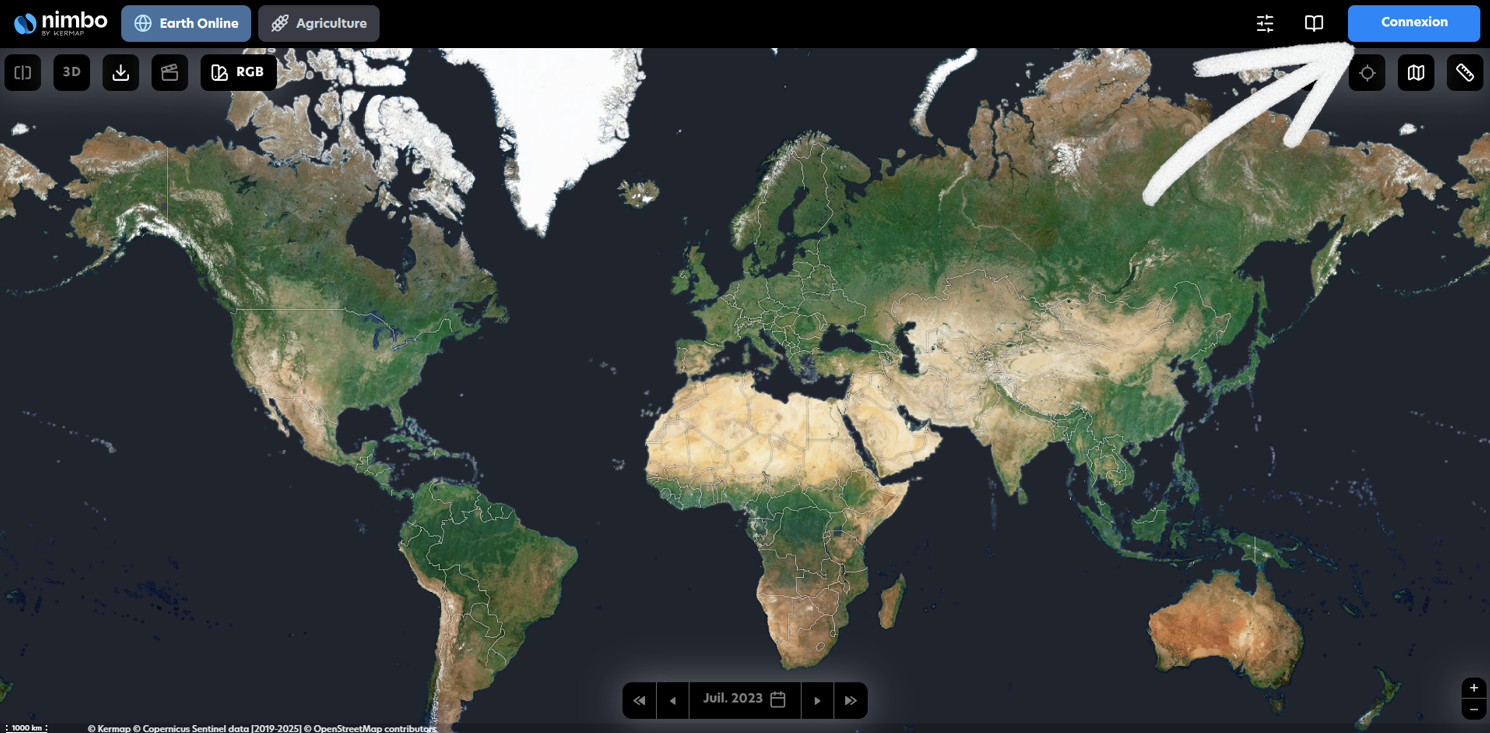
Section titled “1) Create your account”- Go to maps.nimbo.earth
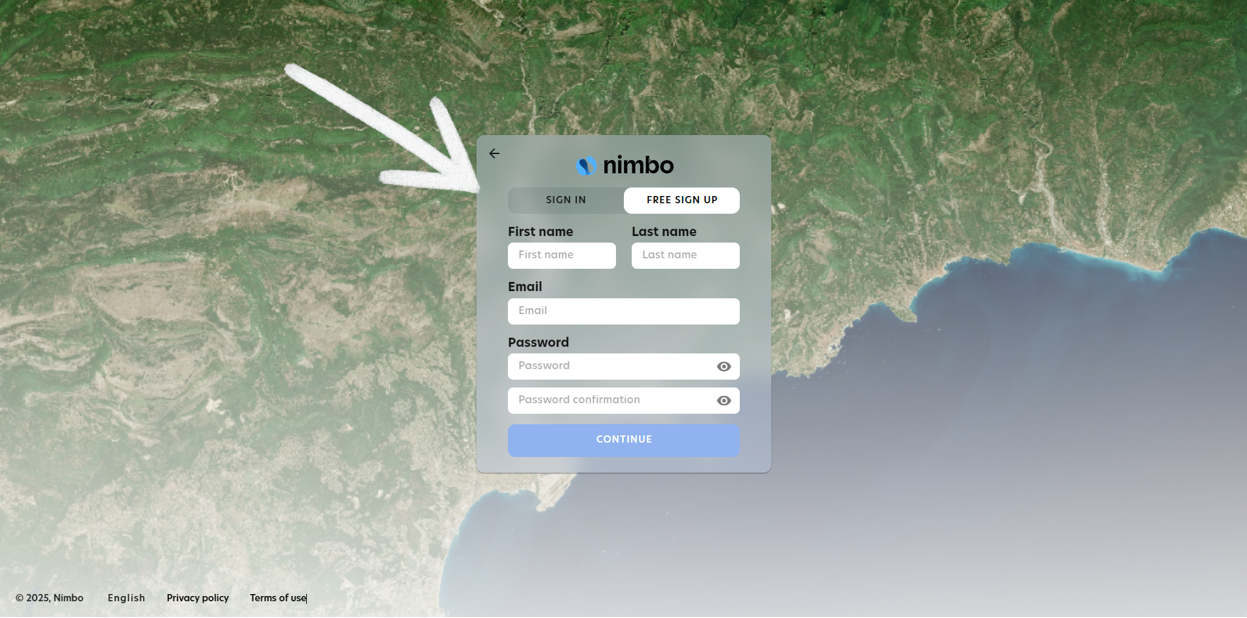
2. Create an account or sign in
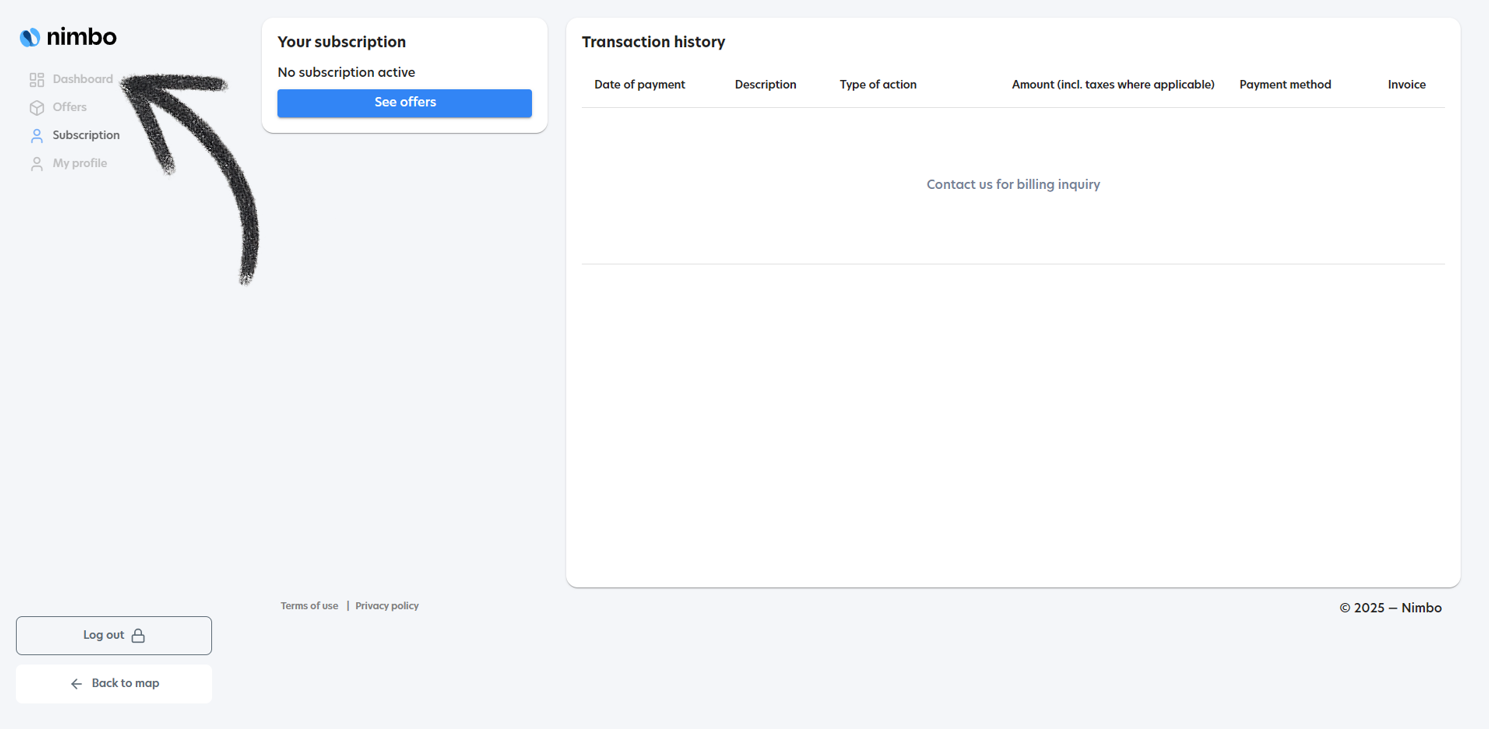
3. Open your Dashboard → API Access
2) Get your API token
Section titled “2) Get your API token”Copy your kermap_token from the API Access section.
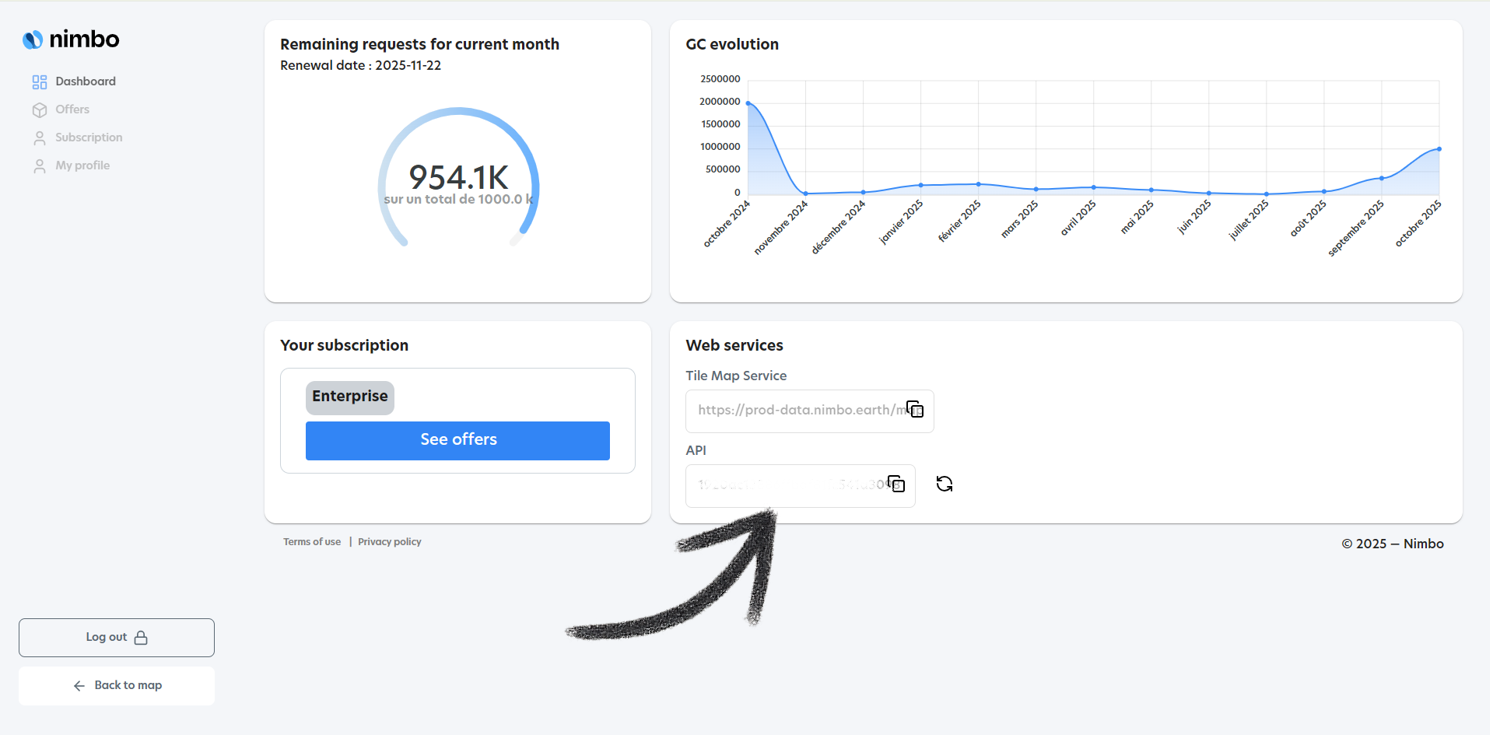
Use it by appending a query parameter to NIMBO URLs:
?kermap_token=<YOUR_TOKEN>Examples
- TMS tile URL
https://prod-data.nimbo.earth/mapcache/tms/1.0.0/{LAYER}/{z}/{x}/{-y}.png?kermap_token=<YOUR_TOKEN>- WMTS Capabilities
https://prod-data.nimbo.earth/mapcache/wmts/1.0.0/WMTSCapabilities.xml?kermap_token=<YOUR_TOKEN>Replace
{LAYER}with something like2024_6_1@kermapwhere:2024= year,6= month,1= composition (1=RGB, 2=NIR, 3=NDVI)
3) Token practices & troubleshooting
Section titled “3) Token practices & troubleshooting”Good practices
Section titled “Good practices”- Rotate tokens periodically and when staff/contractors leave
- Test your token first on a single tile URL
- Do not expose tokens in public repos or client-side code without precautions
We deeply recommand you to generate a Backend PROXY in order to keep your token private.
Common issues
Section titled “Common issues”For most of the case, our services returns an understandable error message.
- 401/403 errors: invalid or expired token → re-copy from the Dashboard
- Tiles not loading: check
?kermap_token=is present and the layer code is valid - Rate limits: reduce parallel tile requests; add caching on your side
4) Next steps
Section titled “4) Next steps”- Feeds: TMS/WMTS setup & QGIS WMTS
- Layers: URL Templates