

Getting Started
Welcome to NIMBO, the global platform delivering monthly, cloud‑free, and consistent satellite basemaps.
NIMBO lets you access Sentinel-2 cloud-free basemaps updated monthly (10m/px resolution) and AI-enhanced 2.5m/px basemaps.
You can use Nimbo in several complementary ways, depending on how you want to explore, analyze or stream satellite basemaps.
- Instant web visualization: explore monthly cloud-free basemaps online for quick inspection, monitoring and sharing.
- Professional GIS workflows: use Nimbo’s TMS/WMTS feeds in your GIS tools for advanced analysis.
- Platform integration: embed Nimbo’s monthly data streams in your own application.
Please note that access to Nimbo imagery and TMS/WMTS token requires the creation of a Nimbo account.
🔐 Account creation and API token retrieval are now documented in Authentication.
View your data
Section titled “View your data”NIMBO data can be accessed in two ways:
Option A — Explore online on NIMBO Earth Online
Section titled “Option A — Explore online on NIMBO Earth Online”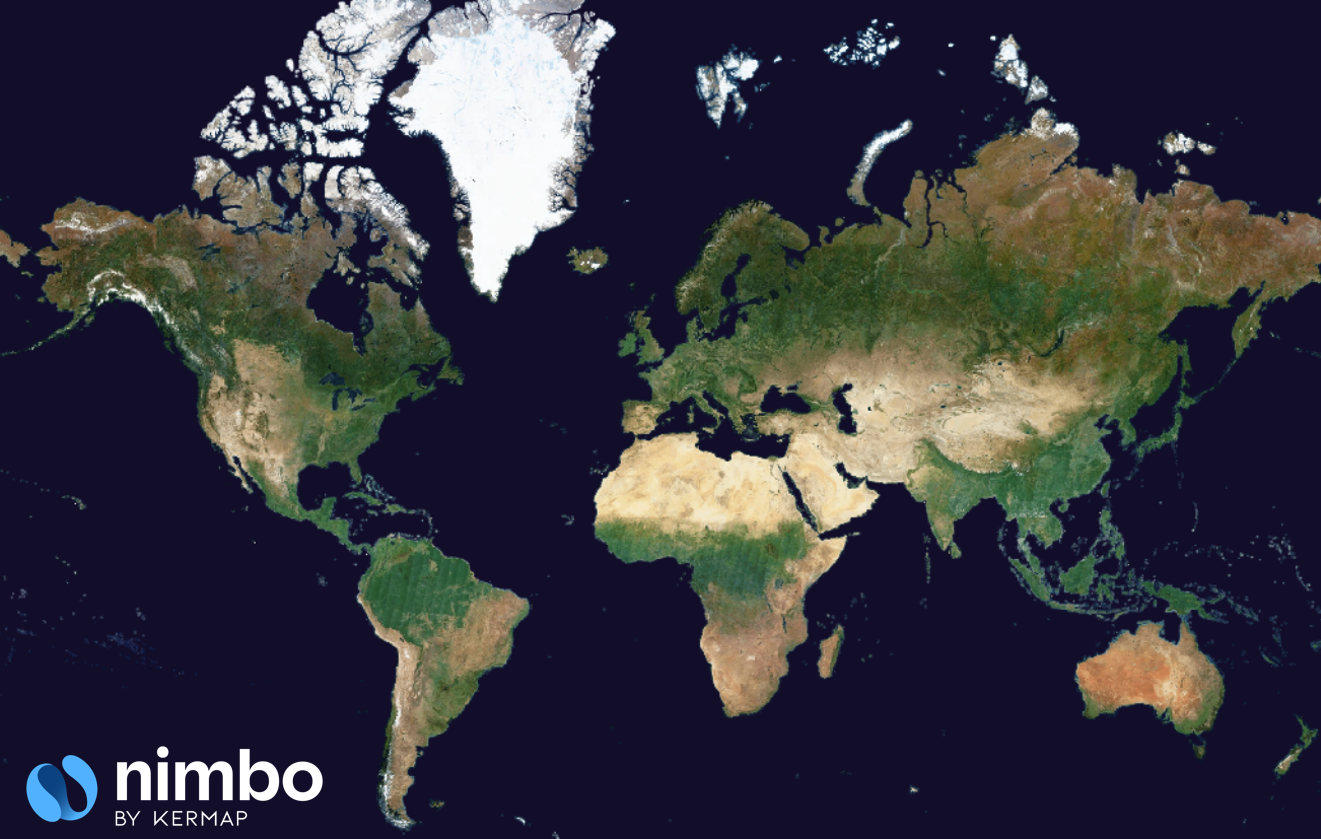
The fastest way to get started. Our web viewer, Earth Online, provides:
- Global monthly coverage
- Fast navigation across regions & dates
- Multiple compositions (RGB, NIR, NDVI)
- AI-enhanced super-resolution RGB
- 3D visualization
- Comparison, timelapse and export features
Option B — Integrate standard map feeds
Section titled “Option B — Integrate standard map feeds”NIMBO provides TMS, WMS and WMTS services for web maps and GIS tools. Use the following URLs after replacing the <YOUR_TOKEN> segment by your personal token, available from your Nimbo account.
TMS (Tile Map Service) — use in MapLibre/Leaflet/OpenLayers:
https://prod-data.nimbo.earth/mapcache/tms/1.0.0/{LAYER}/{z}/{x}/{y}.png?kermap_token=<YOUR_TOKEN>WMS (Web Map Service) — use in QGIS/ArcGIS:
https://prod-data.nimbo.earth/mapcache/wms?service=wms&request=GetCapabilities&kermap_token=<YOUR_TOKEN>WMTS (Web Map Tile Service) — use in QGIS/ArcGIS:
https://prod-data.nimbo.earth/mapcache/wmts/1.0.0/WMTSCapabilities.xml?kermap_token=<YOUR_TOKEN>Setup guides:
⚙️ Note: COG downloads are not yet available. Current access = viewer + TMS/WMTS.
Next steps
Section titled “Next steps”- Read Authentication to generate and use your API token.
- Explore Products overview.
- Check URL templates to build your own layer links.